Torvexa POS

Point of sale for restaurants

Your whole restaurant, on one screen.

Tables, orders, kitchen, register and reports, connected. Works on the computer, tablet or phone you already own.

  • No card needed
  • No contracts
  • In English and Spanish
Torvexa POS on a computer showing the New order screen with photos of the dishes, a tablet showing the Kitchen screen, and the Today's sales and Best sellers cards

How an order moves through your restaurant.

01

The order comes in

At the table, at the counter, from the QR menu or on WhatsApp. Your menu with photos, prices and what's still available.
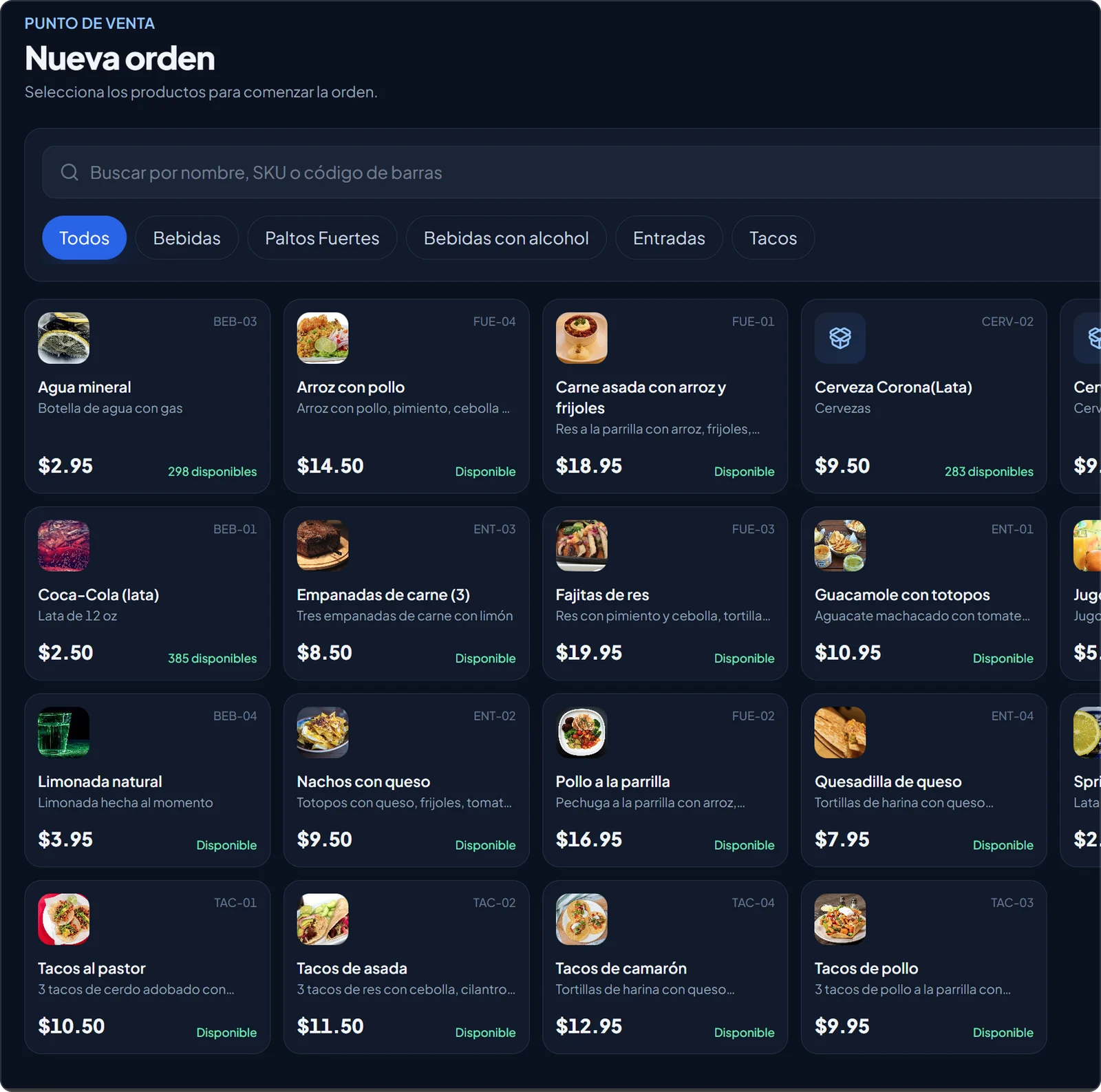
New order screen with the dishes, their photos and prices
02

The kitchen gets it instantly

The bar sees the drinks and the kitchen sees the dishes. Each station marks its items ready, no paper tickets.
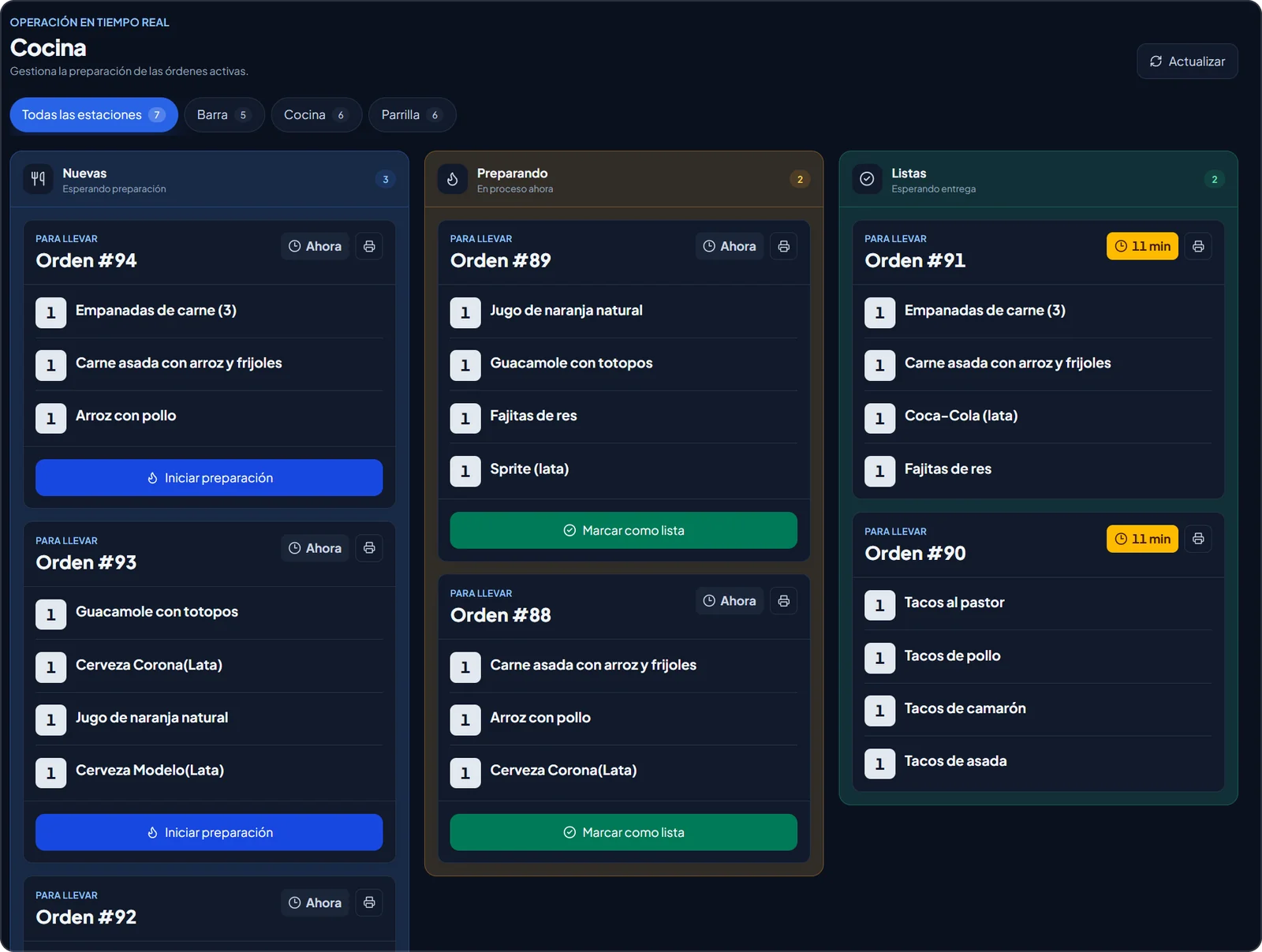
Kitchen screen with new, in-progress and ready orders
03

You check out and the register balances itself

Cash or card, with tips. See which orders still need to be paid, and everything shows up when you close the register.
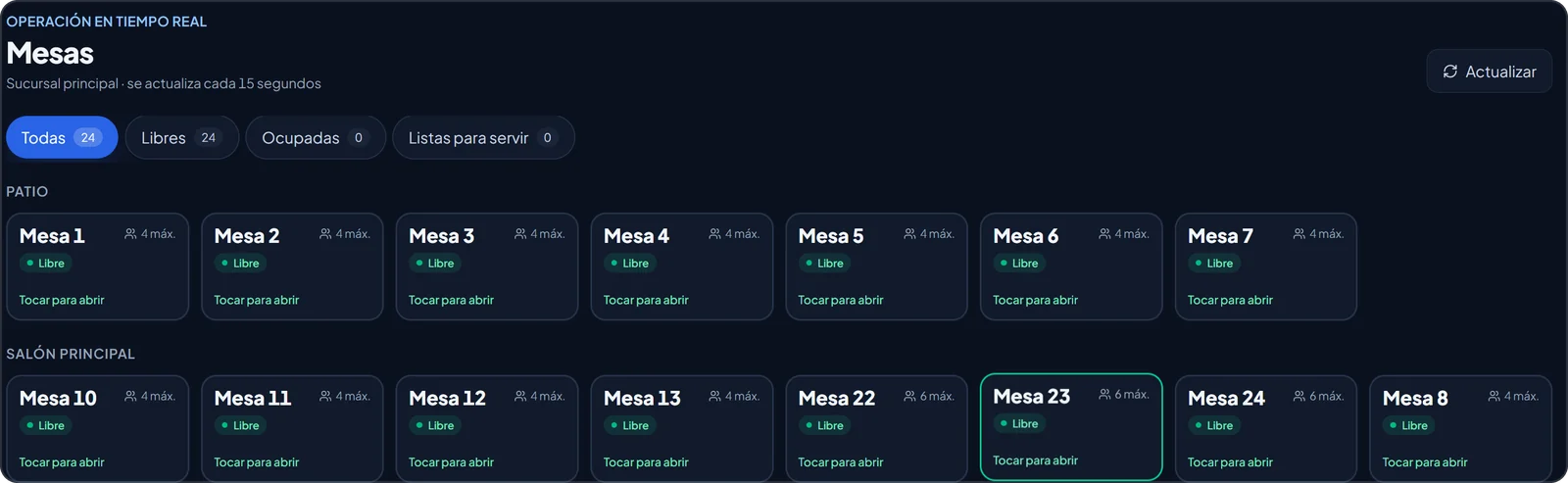
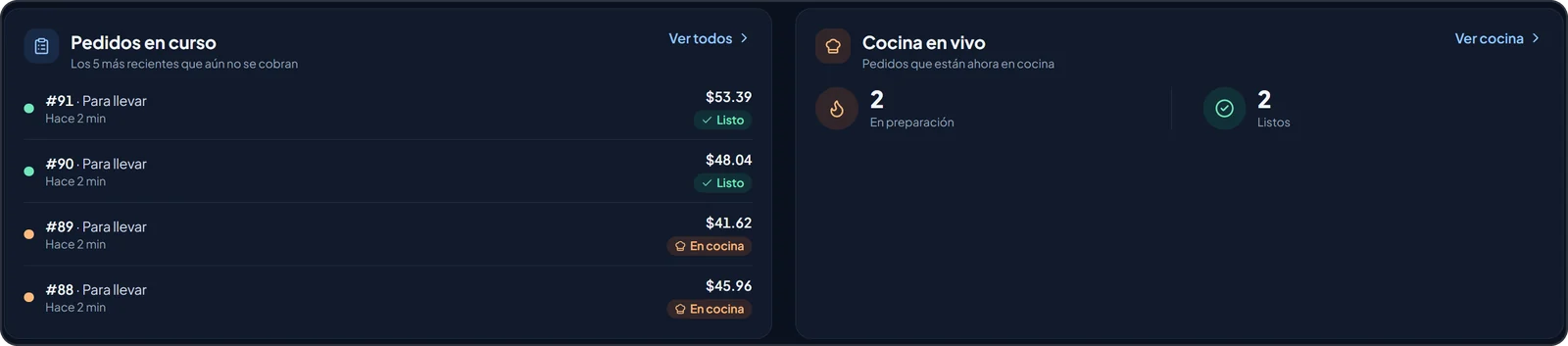
Table map by area: patio, main dining room and terrace Orders in progress and live kitchen status

Know what you sell and what you earn, no math needed.

Today's sales, best sellers and the profit on every dish. Included in the Professional and Chain plans.

Today's sales

Total, tips, taxes, peak hour, dine-in and to go.
Summary of today's sales with tips, taxes and average ticket

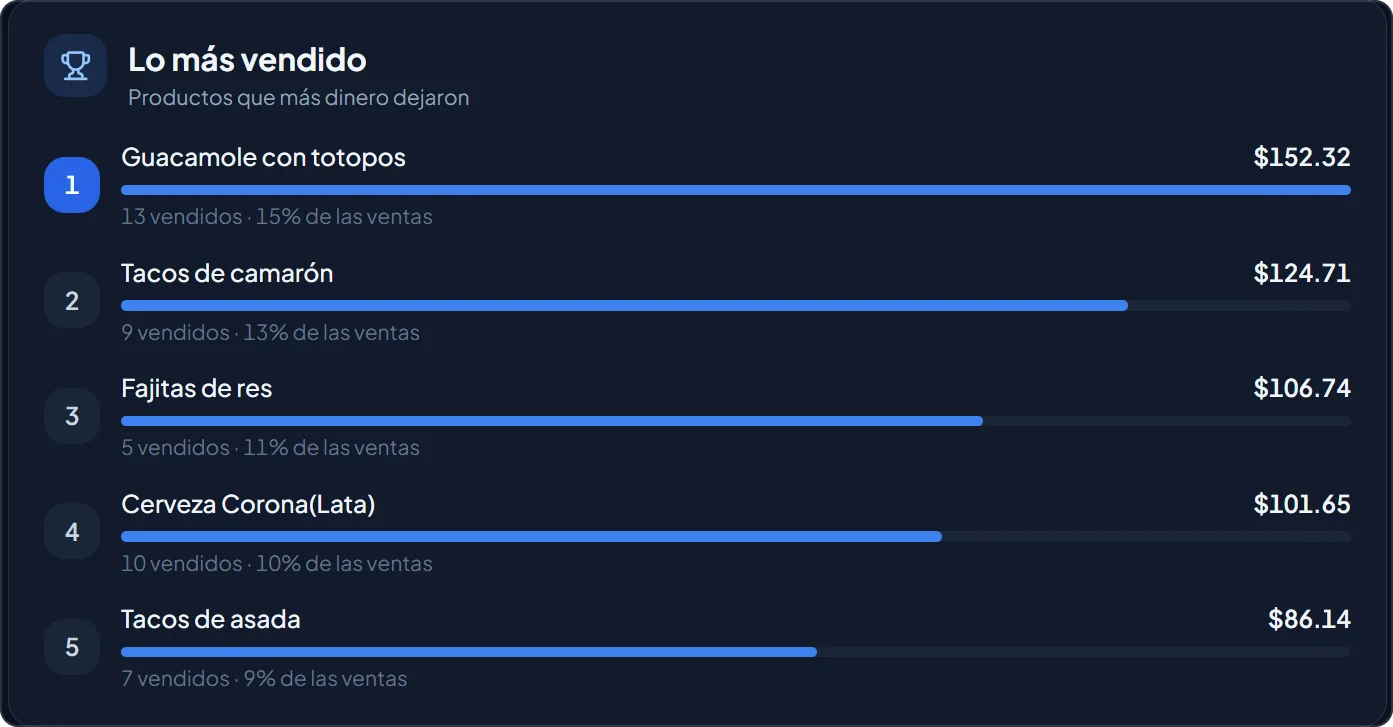
Best sellers

The dishes that bring in the most money.
The five best-selling dishes with the revenue from each one

Live

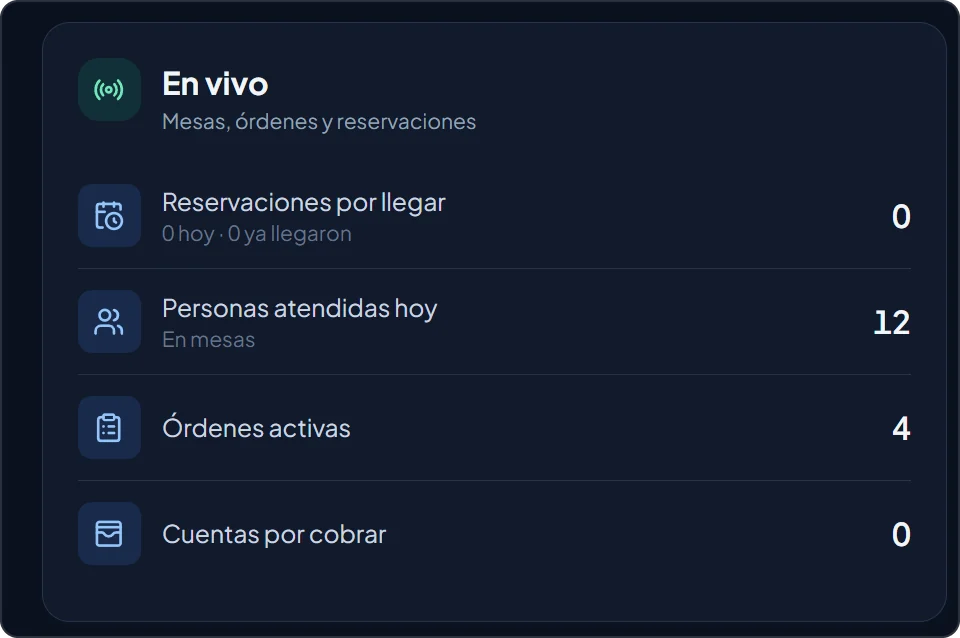
Tables, orders and open checks right now.
Live panel with guests served and active orders

Owner finances

Net sales, food cost against industry guidelines and average ticket.
Finance indicators: net sales, food cost, average ticket and sales per labor hour

Profit per dish

Which dishes sell a lot and earn a lot, and which ones are worth a second look.
Menu engineering: dishes grouped by how much they sell and how much they earn

Everything happening in your restaurant, in one place.

Stop juggling notepads, spreadsheets and three different apps.
Point of sale
Counter or table, cash or card, with tips.
Tables and orders
Which tables are taken and what's still to be served.
Kitchen stations
Each cook sees only their own tickets.
QR menu
Guests order from their phone.
Cash register
Totals for each payment method, no math by hand.
Inventory and recipes
Stock kept up to date and dishes marked sold out automatically.
Reservations and guests
Book reservations and keep your regulars on file.
Roles and locations
Each employee sees what their role allows.
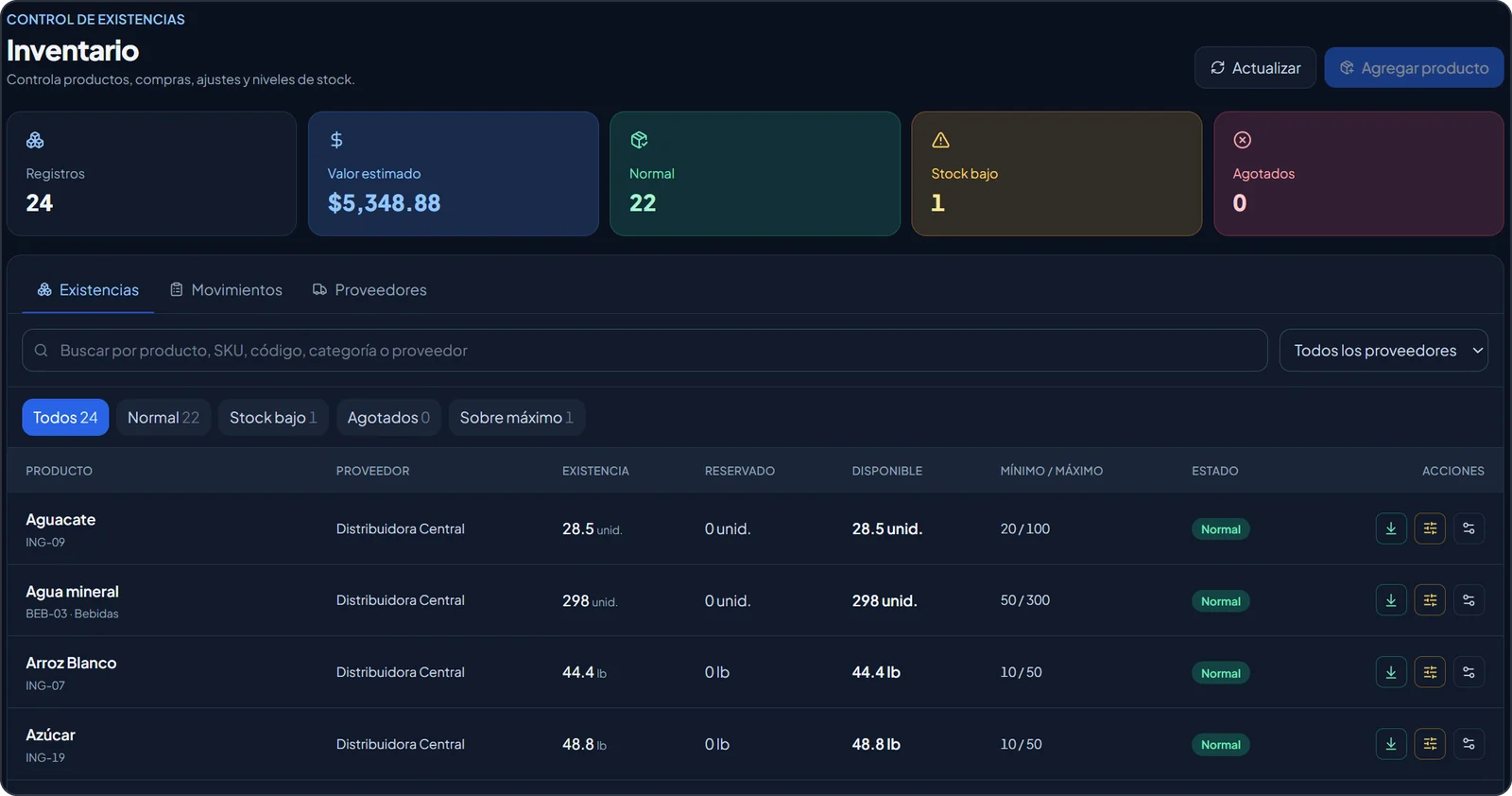
Inventory screen with stock, minimums and the status of each product

Simple pricing, no contracts.

14 days free with every feature. Prices in US dollars.

Pay yearly and get 2 months free

Essential

Get your restaurant running in order.

$49/mo

Start free trial
  • 1 location
  • Up to 5 users
  • Point of sale, tables and kitchen stations
  • Register, inventory, reservations and guests
  • QR menu: guests order and call the server from the table

Does not include reports.

Everything for one location

Professional

Your whole restaurant, with unlimited users.

$89/mo

Start free trial
  • Everything in Essential
  • Unlimited users
  • Reports and Excel export

Chain

For restaurants with several locations.

$69/mo per location

Start free trial
  • Everything in Professional
  • From 3 locations
  • All your locations in one account
  • Each employee sees only their location

Add-on: AI ordering on WhatsApp

Add it to any plan. Included during the free trial.

+$49/mo

One cook per kitchen station does not count toward the user limit. Prices exclude tax.
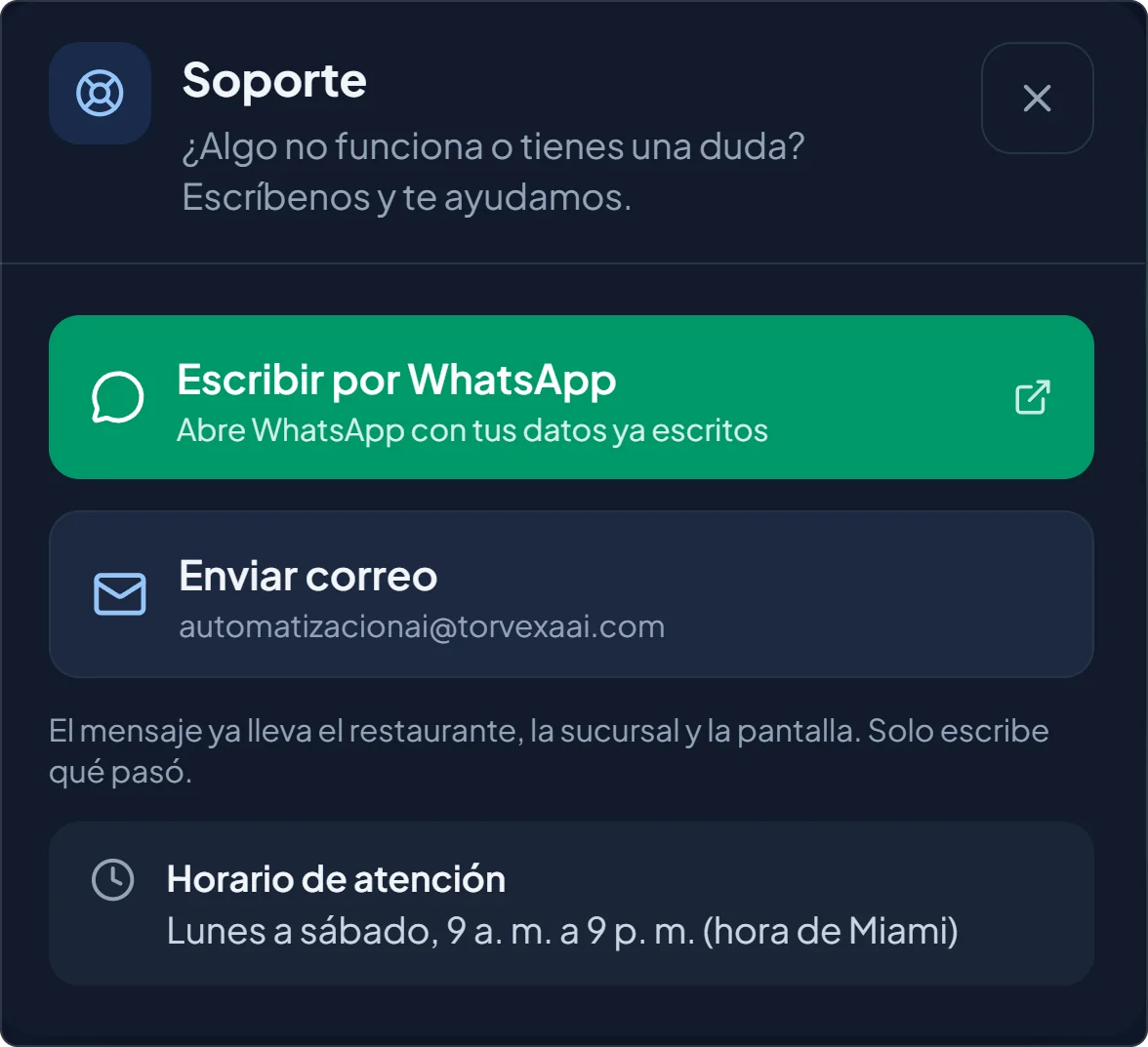
Support window with WhatsApp, email and business hours

We help you on WhatsApp

Right from the app, in English or Spanish.
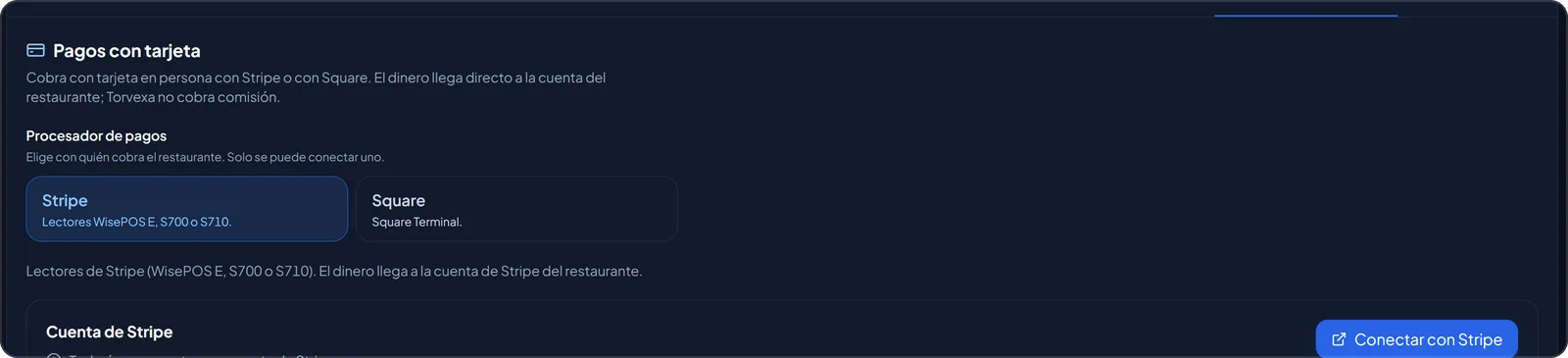
Card payment settings with Stripe or Square

Take cards with Stripe or Square

The money goes straight to your restaurant's account. Torvexa charges no commission of its own.

Frequently asked questions

Do I need to buy special hardware?

No. Torvexa POS runs in the browser on the computer, tablet or phone you already have. There is nothing to install.

What happens when the 14 days end?

Pick a plan and keep working as before. If you have not picked one yet, your account switches to read-only and you keep everything you set up.

Can I cancel anytime?

Yes. There are no contracts: cancel from the Subscription screen and your plan stays active until the end of the period you already paid for.

Is my data safe?

Each restaurant's data is kept separate, the connection is encrypted and we back up every day. Every employee logs in with their own user and sees only what their role allows.

Is it in English?

Yes. Torvexa POS works in English and Spanish, and each user picks their own language: your cashier can work in Spanish while you check reports in English. Guests see the QR menu in their phone’s language.

Will you help me set it up?

Yes. In the demo we show you how to load your menu, tables and kitchen stations, and we support you in English or Spanish.

Get your next shift in order.

Create your account in minutes and use Torvexa POS free for 14 days.